IP Request Process
Please use the following steps to reserve an IP address.
Each reservation must have the following:
HostnameDescription(please include the project name and date reserved)Owner
Any system found using an IP address that is not reserved is subject to be shutdown to prevent conflicts.
IPAM (IP Address Management) System URL
Use the following URL to the access the IPAM system:
- Login with your HPELAB domain credentials.
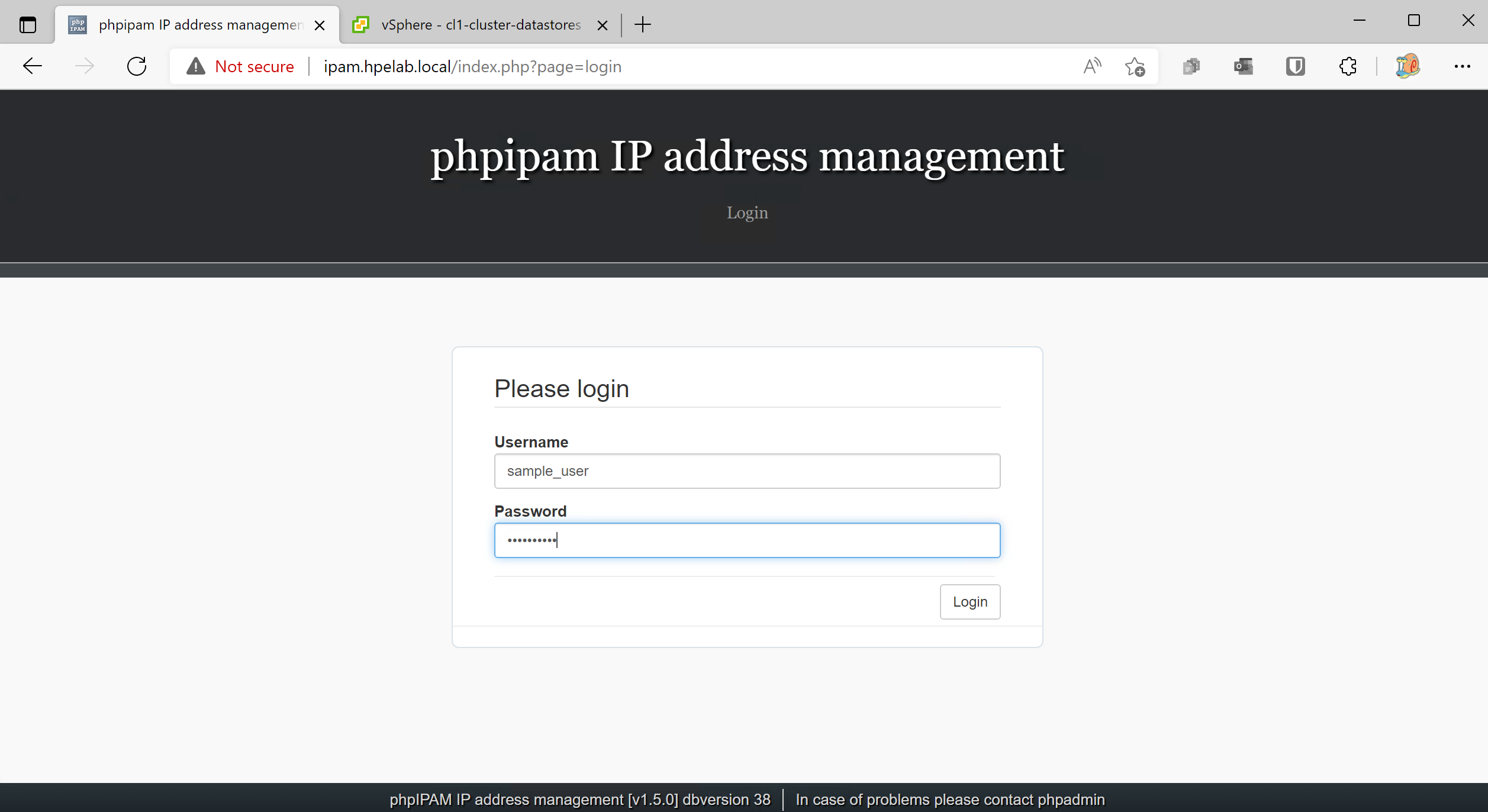
IP Reservation Process
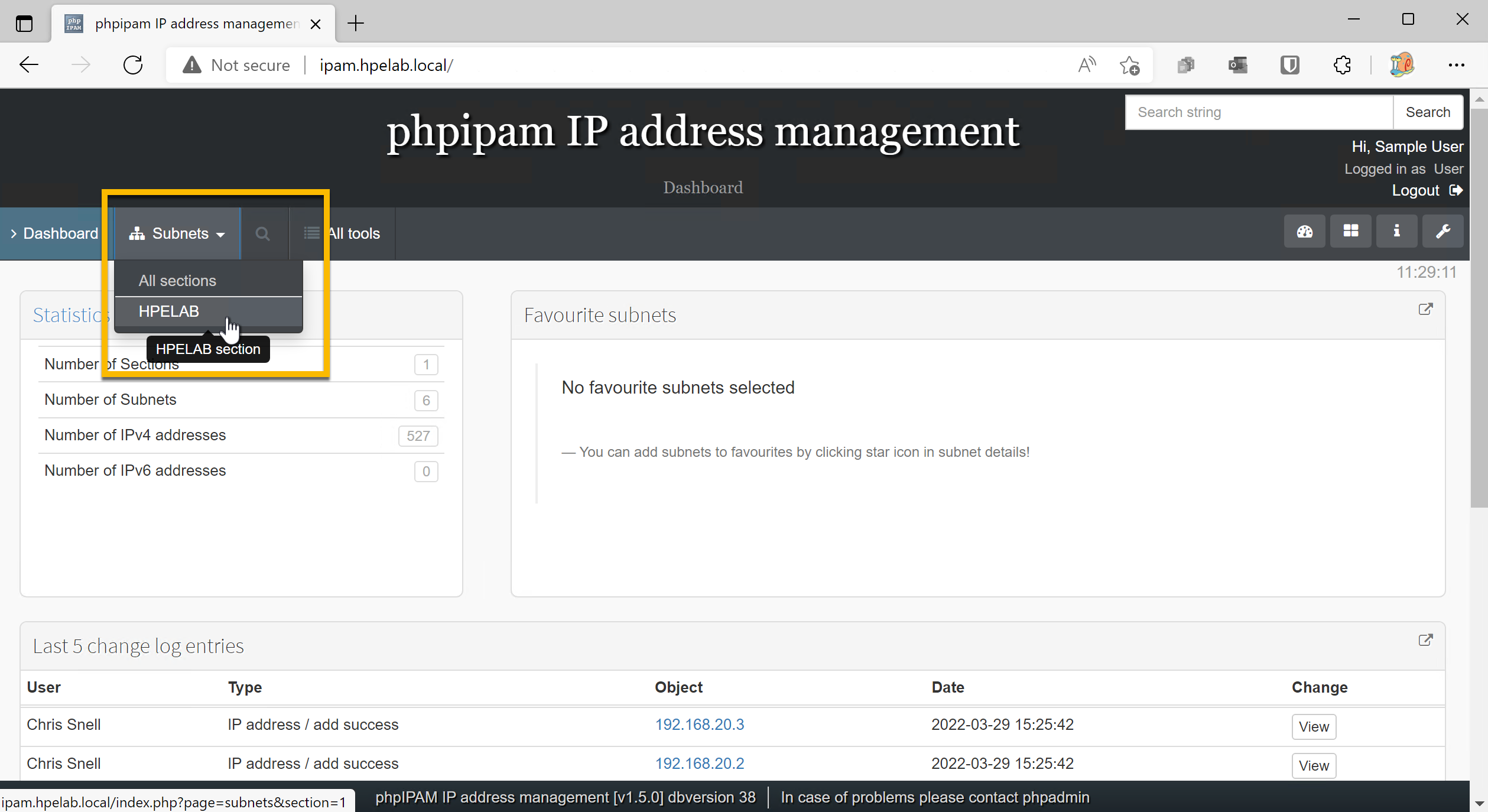
- Click
Subnets>HPELAB
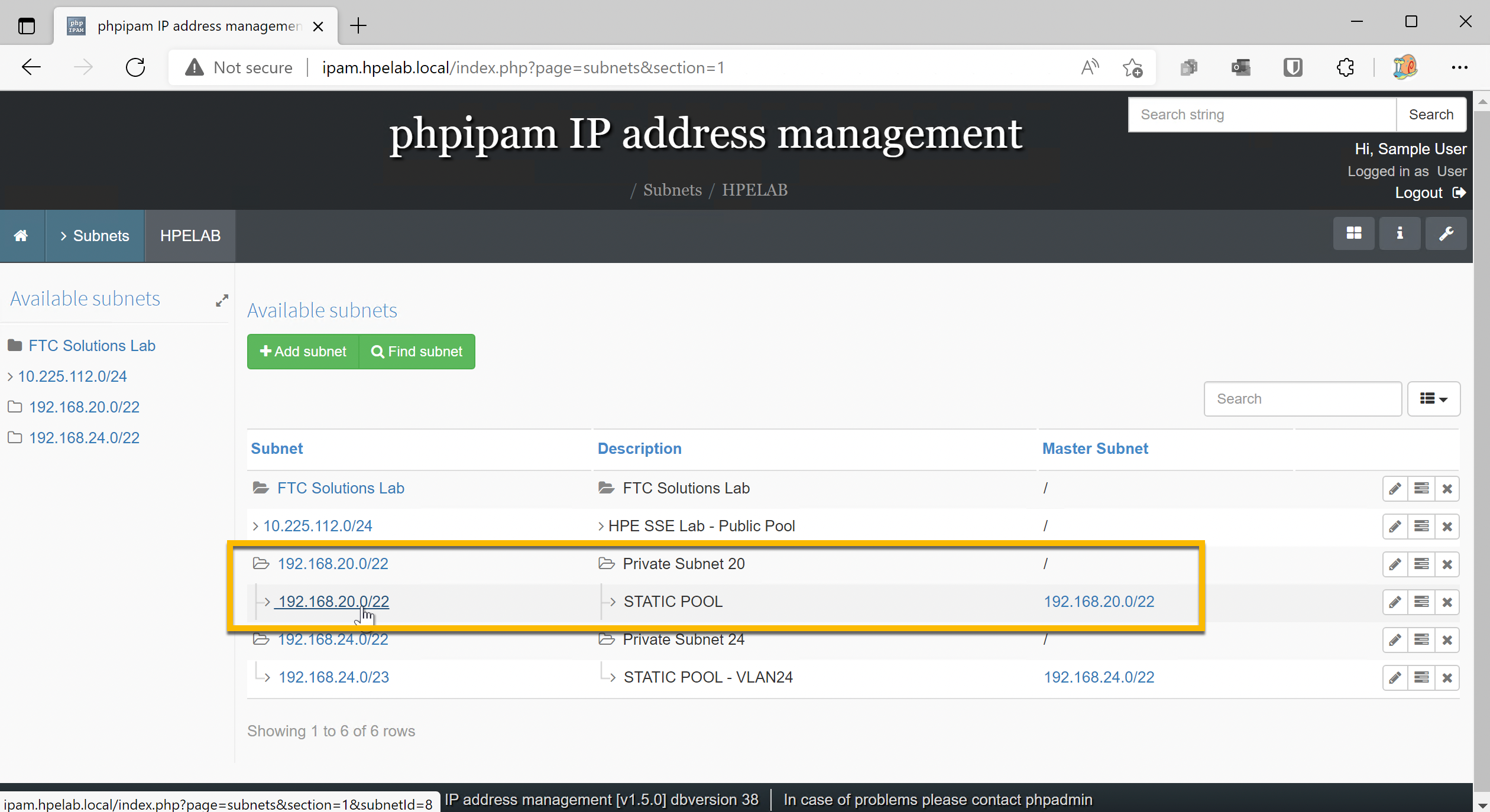
- Choose the Subnet
192.168.20.0/22.
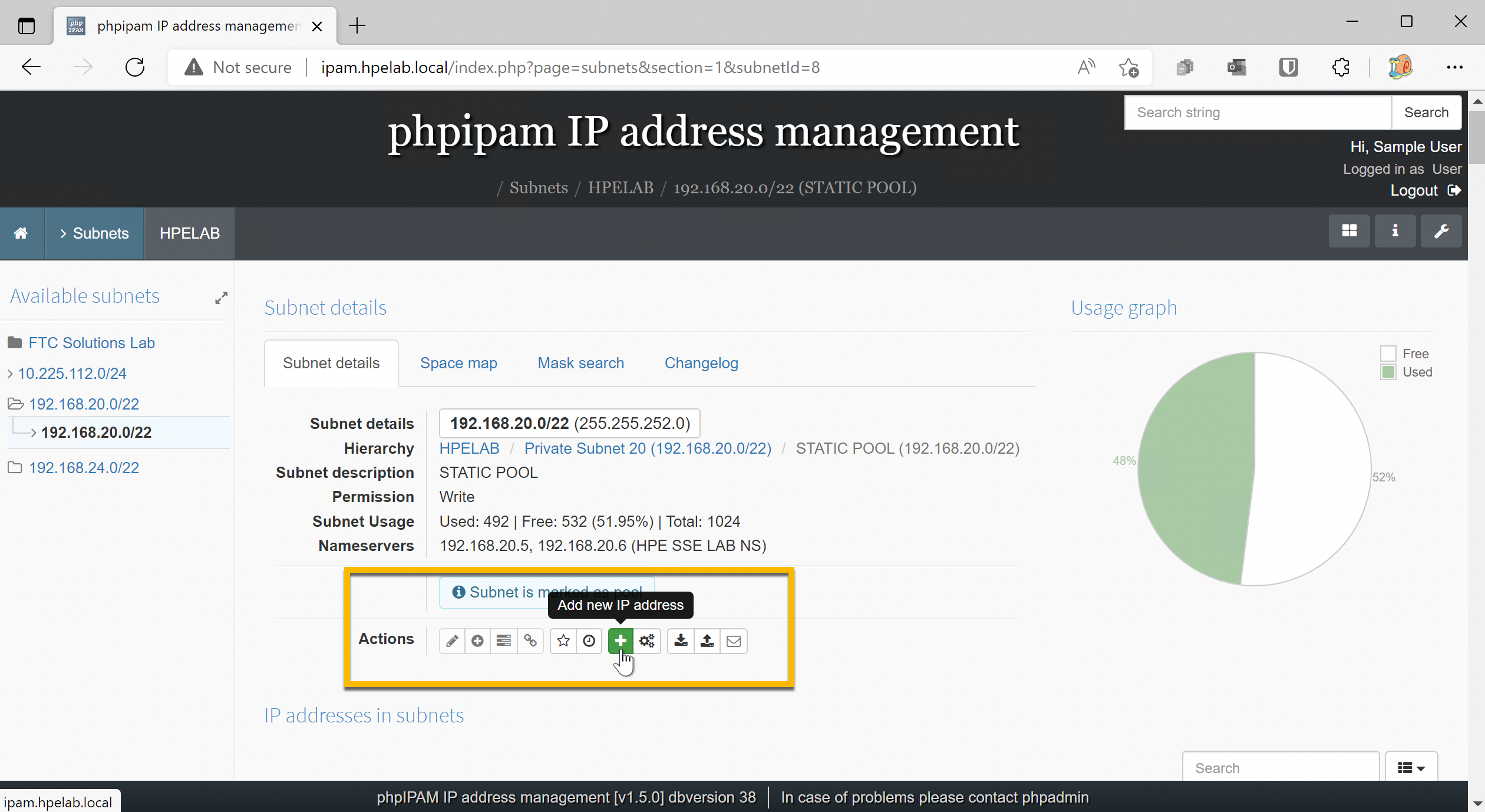
- Click the
Add new IP address.
Important
This will automatically choose the next available IP. Do not manually choose an IP.
- Fill out the IP reservation details.
Important
Please fill in Hostname, Description, Owner, and any additional notes. Verify the Tag is set to Used.
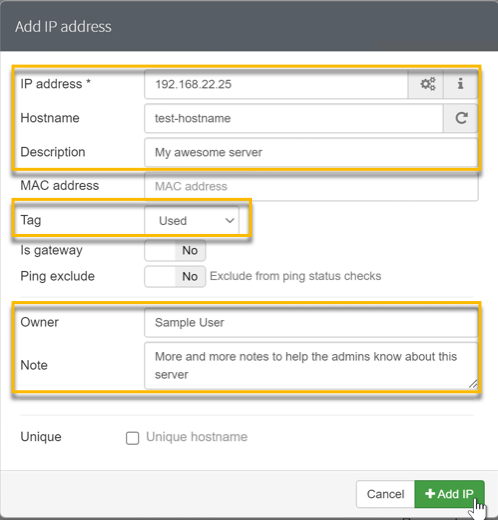
Click Add IP.
Once the IP reservation has been made, you can use the assigned IP.
To configure DNS entries, go to DNS.